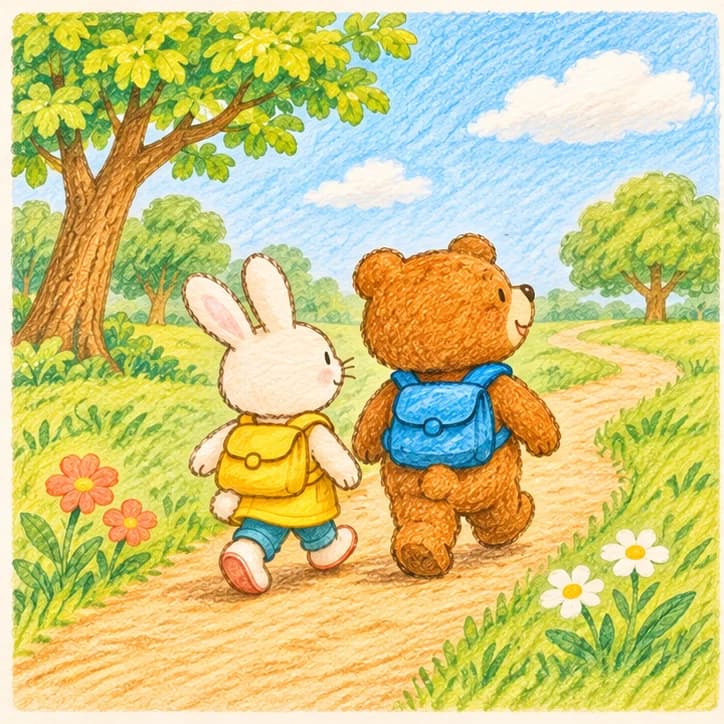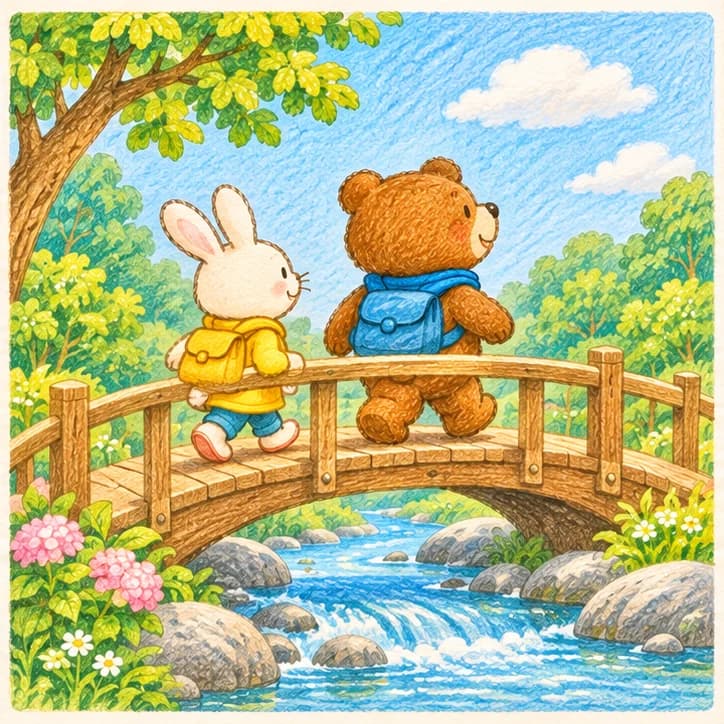

Create the story
Edit the story
Scan to download Picbook
Write down an idea. Picbook helps shape the story, keep characters consistent, illustrate every page and add narration—ready for bedtime reading.
Start with a single line of inspiration. Picbook creates the story outline, characters, full-book illustrations and narration in sequence. Review, edit and confirm each stage before moving on.
Confirm the characters once, then let them move naturally through every new scene without losing the details that make them familiar.
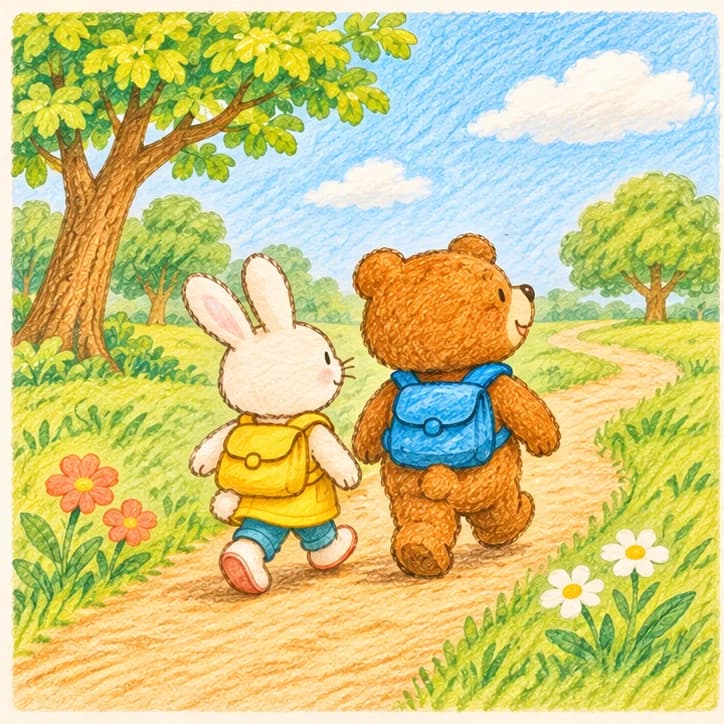
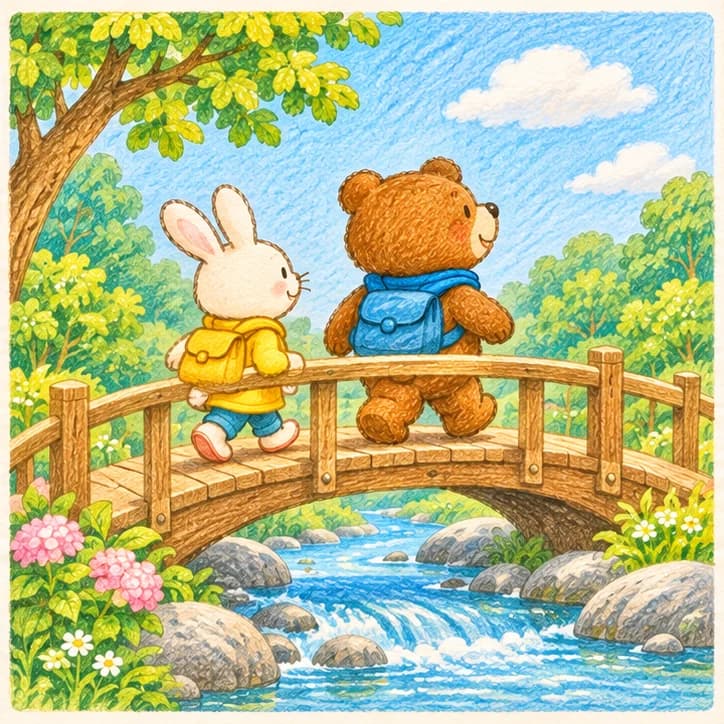

Review each page and listen to its narration; when it is finished, save a PDF or share the story with family and friends.
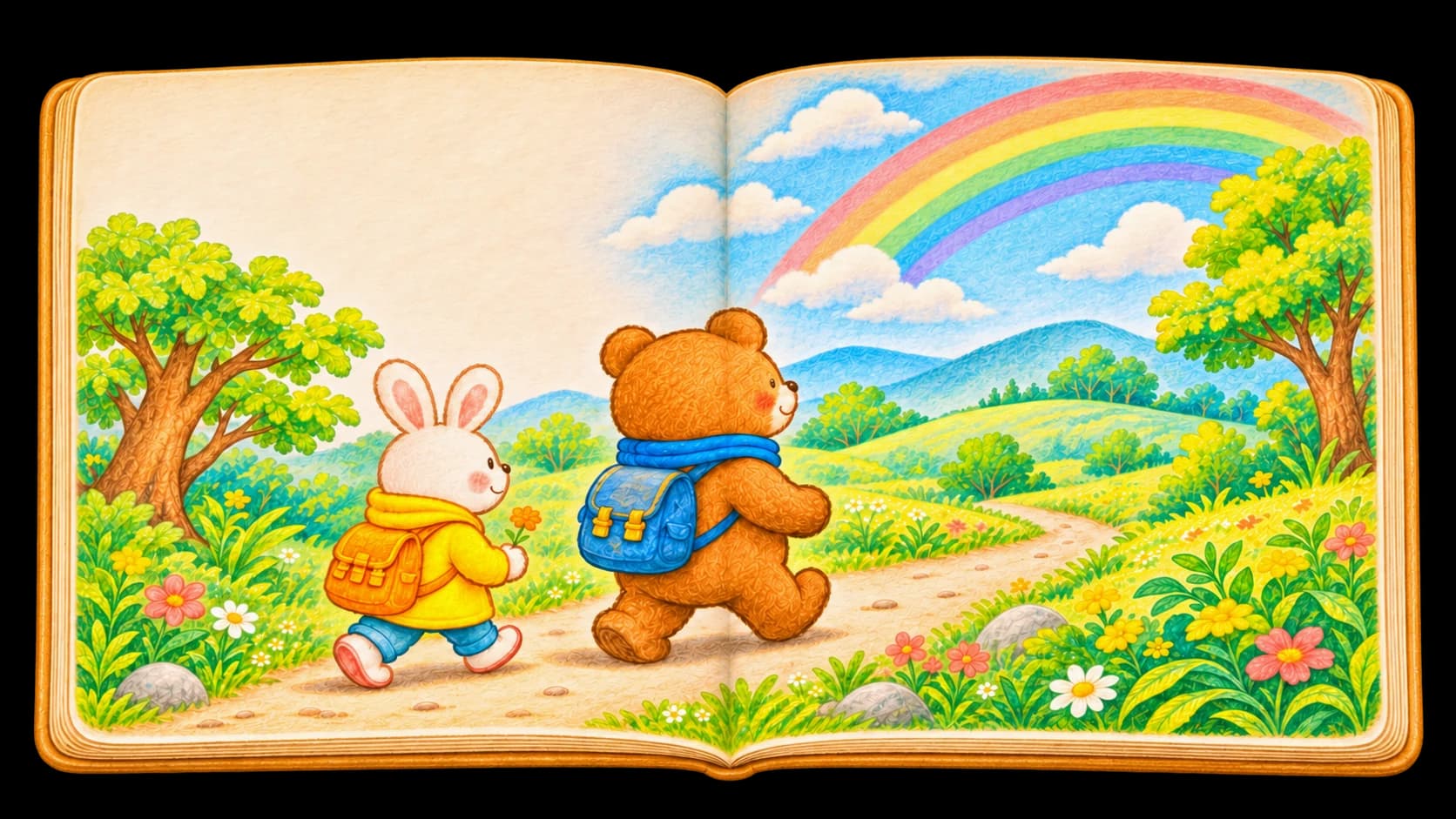
Unsuitable content is detected and filtered to protect every reading experience.
Your work stays private by default, and you decide whether to share it publicly.
Positive, warm and thoughtful stories help children grow through reading.
From starting a story to refining illustrations and narration, then saving and sharing the finished book, here are the questions families ask most often.
No. You can begin with one sentence, a character or a small moment. Picbook turns it into a page-by-page draft for you to review.
Yes. The review step lets you edit the title and page text or ask for a new version before production begins.
Yes. Finished books can be downloaded as PDFs for saving or printing, or shared with family and friends through a read-only link. Stopping sharing disables the link.
The app is still in development and has not launched yet. We recommend using the web version for now; the future app will connect to the same account and personal library.

See how one idea becomes a complete picture book with illustrations and narration.